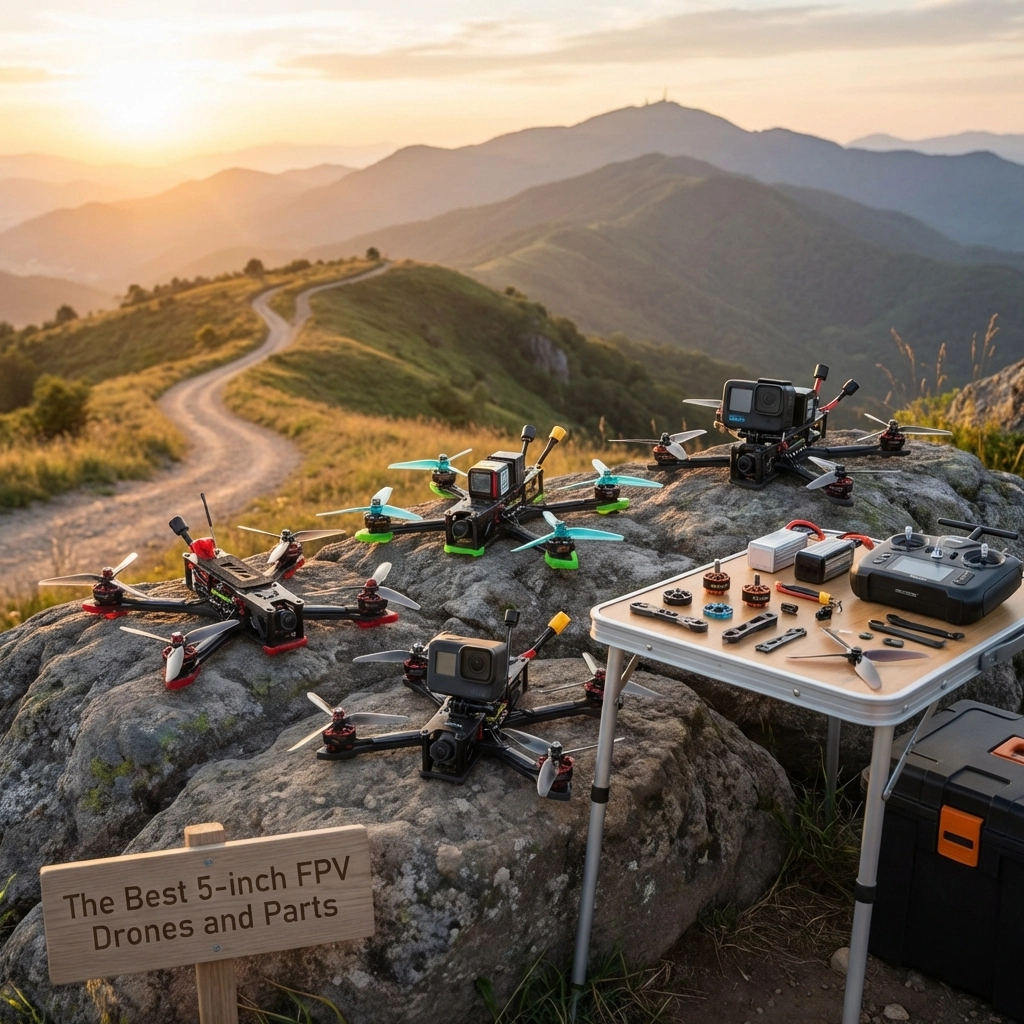
The Best 5-inch FPV Drones and Parts


Why 5-Inch FPV Drones Are the Sweet Spot

If you’re diving into the world of FPV drones, you’ve probably noticed that 5-inch quads dominate the scene. There’s a good reason for that: they hit the perfect balance between power, agility, and versatility.

Five-inch drones are large enough to carry quality cameras and punch through wind, yet nimble enough for tight freestyle maneuvers and racing. They’re the jack-of-all-trades in the FPV world, which is exactly why most pilots: from beginners to pros: build or buy in this class.

Whether you’re chasing cinematic footage, ripping through bandos, or just learning the ropes, a 5-inch setup gives you room to grow without outgrowing your gear. In this guide, we’ll move from prebuilt BNF options into frames, FC/ESC stacks, motors, propellers, batteries, accessories (with GPS and beeper), FPV camera/VTX/antennas, and the tools and wires that tie it all together.


Prebuilt 5-inch FPV Drone (BNF)

Not everyone wants to build from scratch: and that’s totally fine. Bind-N-Fly (BNF) drones come fully assembled and tested. You just bind them to your radio and goggles, and you’re in the air.
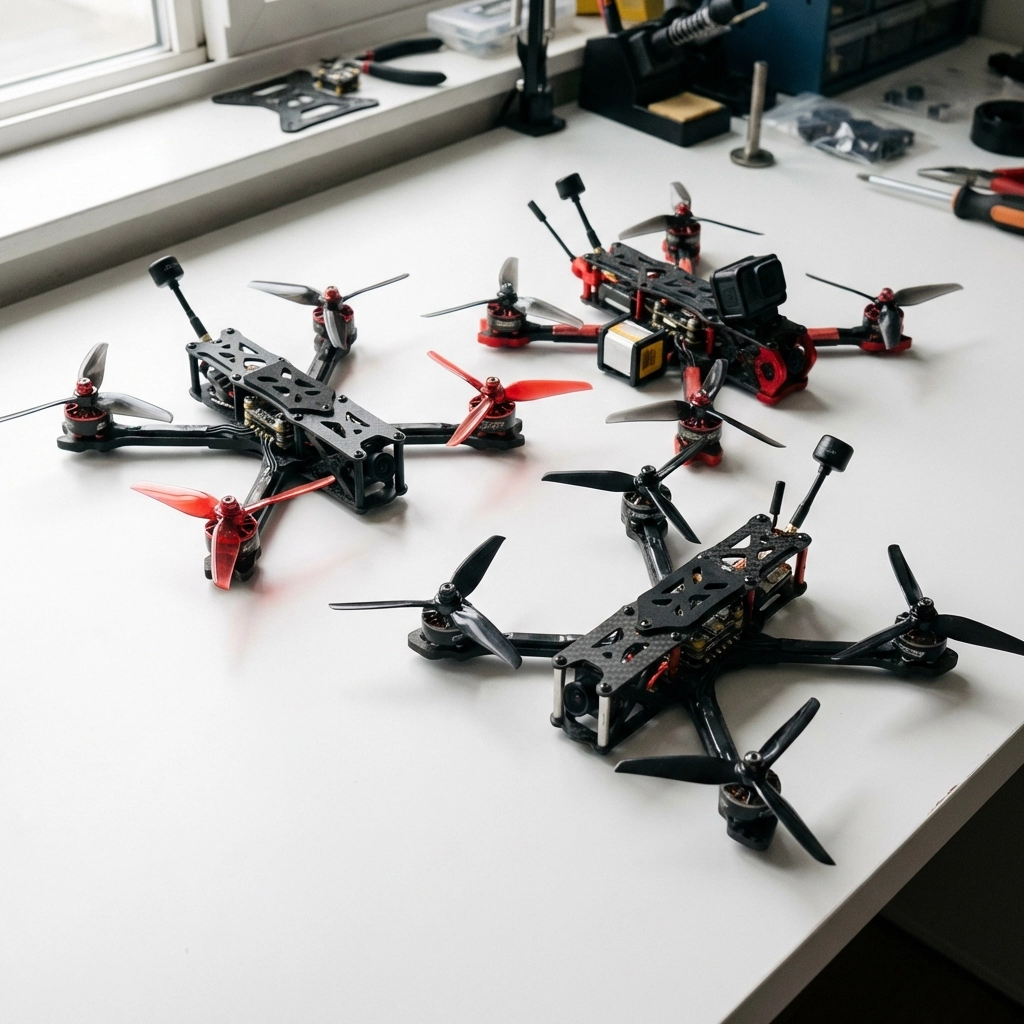
image_1

Premium Performance Picks

For pilots who want top-tier flight characteristics right out of the box, look for BNF options featuring robust ESCs, reliable flight controllers, and powerful motors. Many premium models now ship with DJI O3 or O4 digital systems, giving you crystal-clear video transmission from day one.

These quads typically offer smooth, locked-in flight characteristics that inspire confidence whether you’re a beginner or seasoned ripper.

Budget-Friendly Options

If you’re just starting out or want a solid beater quad, there are excellent budget options featuring F7 processors and open frame designs for easy maintenance. These drones deliver responsive flight at a fraction of the premium price, making them ideal for learning without the financial stress of crashing expensive gear.

Analog vs Digital

Quick note: analog BNF models often provide better value since you avoid “prop in view” issues that sometimes plague digital camera placements. However, if you’re committed to digital long-term, starting with a digital BNF can save you upgrade costs later.


Frame

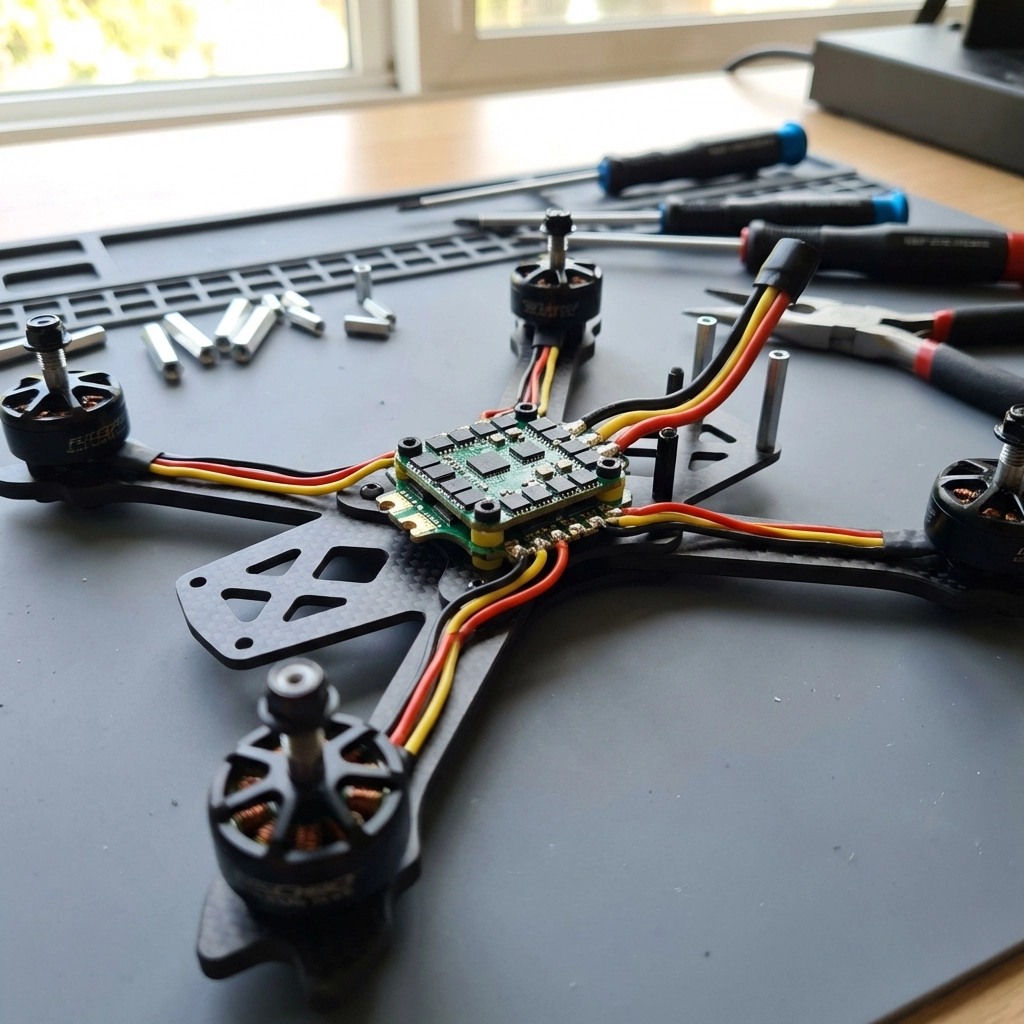
Your frame is literally what holds everything together. For 5-inch builds, you want carbon fiber construction that’s durable without adding unnecessary weight.
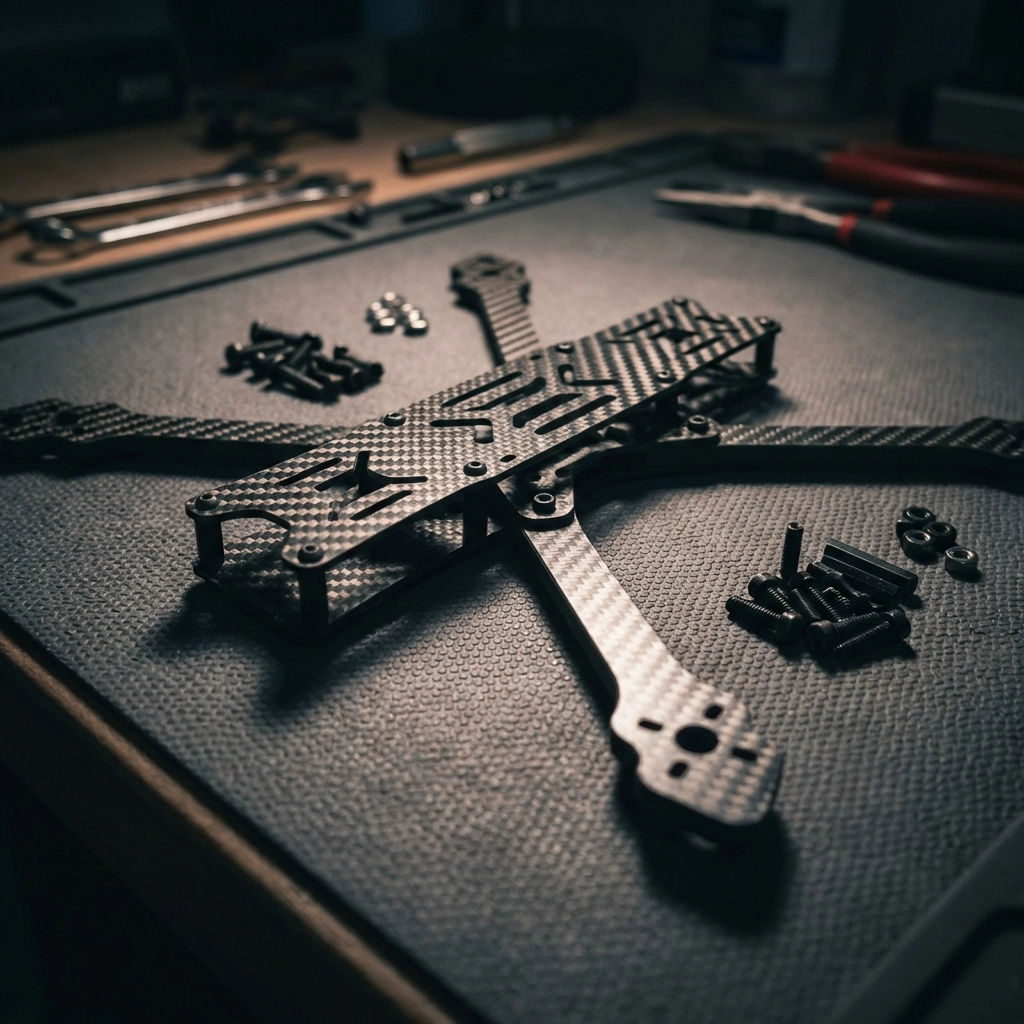
image_2

What to Look For

  • Carbon thickness: 4mm-5mm arms are standard for freestyle; thinner arms save weight but sacrifice durability
  • Mounting patterns: Ensure compatibility with your chosen stack and VTX
  • Wire management: Look for thoughtful routing channels and mounting options
  • Repairability: Can you replace individual arms, or do you need a whole new frame after a crash?

Popular Frame Styles

True-X frames offer balanced flight characteristics and are forgiving for beginners. Stretched-X frames push the rear motors back for better camera angles and slightly different handling. Deadcat frames keep props out of your camera view entirely.

Pick a frame that matches your flying style and accommodates your preferred video system: especially if you’re running DJI units that need specific mounting configurations.


FC and ESC

The flight controller (FC) is your drone’s brain, while the electronic speed controller (ESC) manages motor power. Most builders opt for “stacks”: FC and ESC boards designed to mount together.
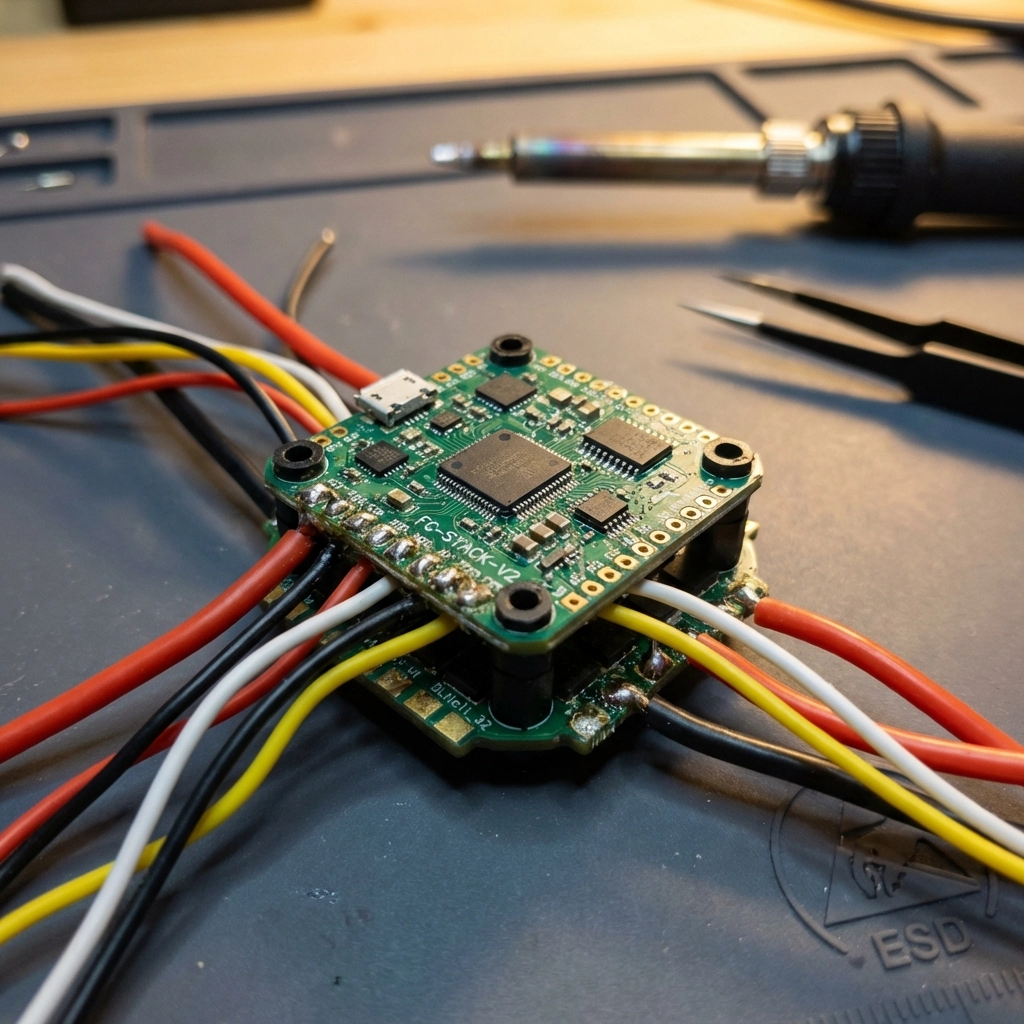
image_3

Flight Controller Considerations

  • Processor: F4 processors are budget-friendly; F7 and H7 offer faster processing and more features
  • Gyro quality: Better gyros mean smoother flight and easier tuning
  • Connectivity: Ensure compatibility with your radio protocol and GPS if desired
  • Betaflight support: Most modern FCs run Betaflight firmware: check for current compatibility

ESC Considerations

  • Amperage rating: 45A-55A continuous is standard for 5-inch builds
  • BLHeli_32 or AM32 firmware: Enables advanced features like bidirectional DShot
  • Quality MOSFETs: Cheap ESCs with weak components are the #1 cause of mid-flight failures

Investing in a quality stack saves headaches. The budget options that combine FC and ESC at competitive prices while maintaining solid build quality are worth considering for most builds.


Motors

Motors determine your drone’s power, efficiency, and flight feel. For 5-inch quads, you’re typically looking at 2306 or 2207 motor sizes.

KV Ratings Explained

  • 1700-1800KV: Best for 6S batteries; smoother power delivery, longer flight times
  • 2400-2550KV: Best for 4S batteries; snappier response, more affordable batteries

Most pilots are moving toward 6S setups for the efficiency gains and smoother throttle feel, but 4S remains popular for beginners due to lower battery costs.

What Makes a Good Motor

Look for quality bearings, strong magnets, and proven reliability. Motors take serious abuse in crashes, so repairability matters too. Some brands offer replacement bells and shafts, which can save you from buying entirely new motors after a bad hit.


Propellers

Props are your connection to the air: and they’re consumables. You’ll break a lot of them, so buy in bulk.

Prop Styles by Use Case

  • Racing props: Aggressive pitch, lighter weight, maximum speed
  • Freestyle props: Balanced design, good grip, responsive feel
  • Cinematic props: Lower pitch, quieter, smoother footage

For 5-inch builds, you’re looking at props in the 5.1″ to 5.3″ range with varying blade counts (bi-blade for efficiency, tri-blade for grip). Start with tri-blade props: they’re forgiving and versatile.


Batteries

Your battery choice dramatically affects flight time, power delivery, and overall weight.
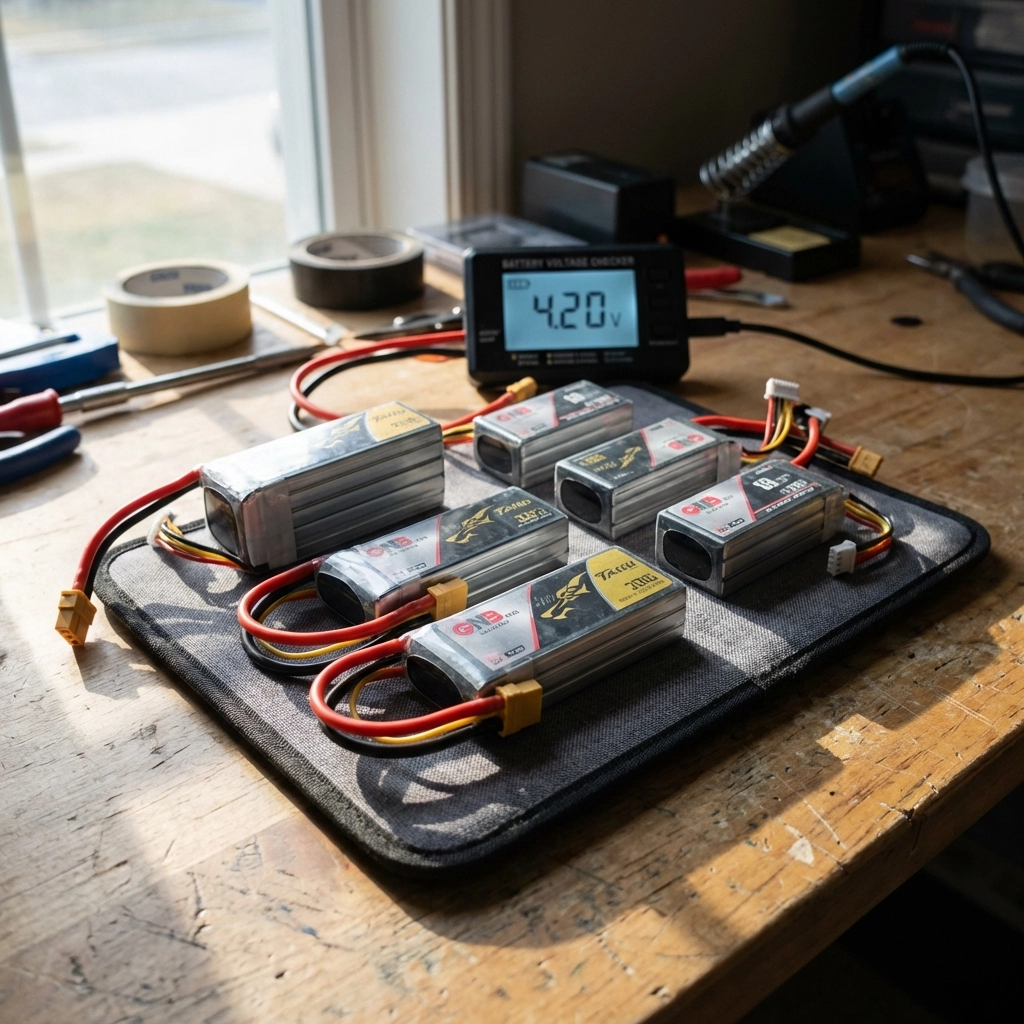
image_4

LiPo vs LiHV

Standard LiPo batteries are the default choice. LiHV (high-voltage) packs charge to 4.35V per cell instead of 4.2V, offering slightly more capacity but potentially shorter lifespan if not handled properly.

Capacity and C-Rating

  • 1300-1500mAh: Standard for freestyle and racing; good balance of weight and flight time
  • 1800-2200mAh: Extended flight times for cinematic work; heavier

C-rating indicates discharge capability. Higher quality packs maintain voltage better under load, giving you consistent power throughout your flight instead of sagging during hard maneuvers.

Invest in quality batteries: cheap packs with poor energy density and high voltage sag will make even the best drone feel sluggish.


Accessories

GPS

For Return-to-Home functionality and finding crashed quads.

Beeper

Absolutely essential for locating your drone after crashes.

  • Action camera mount: If you’re shooting with a GoPro or similar

FPV Camera, VTX, Antennas

Your FPV system is how you see the world from your drone’s perspective.

Digital vs Analog

Digital systems (DJI, Walksnail, HDZero) offer dramatically better image quality and range. Analog is cheaper, has lower latency, and remains popular for racing. For most new pilots, digital is worth the investment.

Antennas Matter

Don’t overlook antenna choice. Quality antennas with proper polarization (RHCP or LHCP: just match your goggles and VTX) significantly improve range and signal penetration.


Tools and Wires

  • Hex drivers (1.5mm, 2mm, 2.5mm)
  • Soldering iron with fine tip
  • Quality solder and flux
  • Wire strippers
  • Heat shrink tubing
  • Zip ties and electrical tape
  • Multimeter for testing

Need Help With Your Build?

Building your first 5-inch FPV drone can feel overwhelming, but you don’t have to figure it out alone. TechInMotion360 offers FPV Drone Support Packages to help you through every step: from selecting compatible parts to troubleshooting your Betaflight configuration.

Whether you need help with performance tuning, power system upgrades, or basic maintenance and repair, we’ve got your back.

The 5-inch class is where FPV magic happens. Pick your parts wisely, build with patience, and get ready to experience flight like never before. 🚀
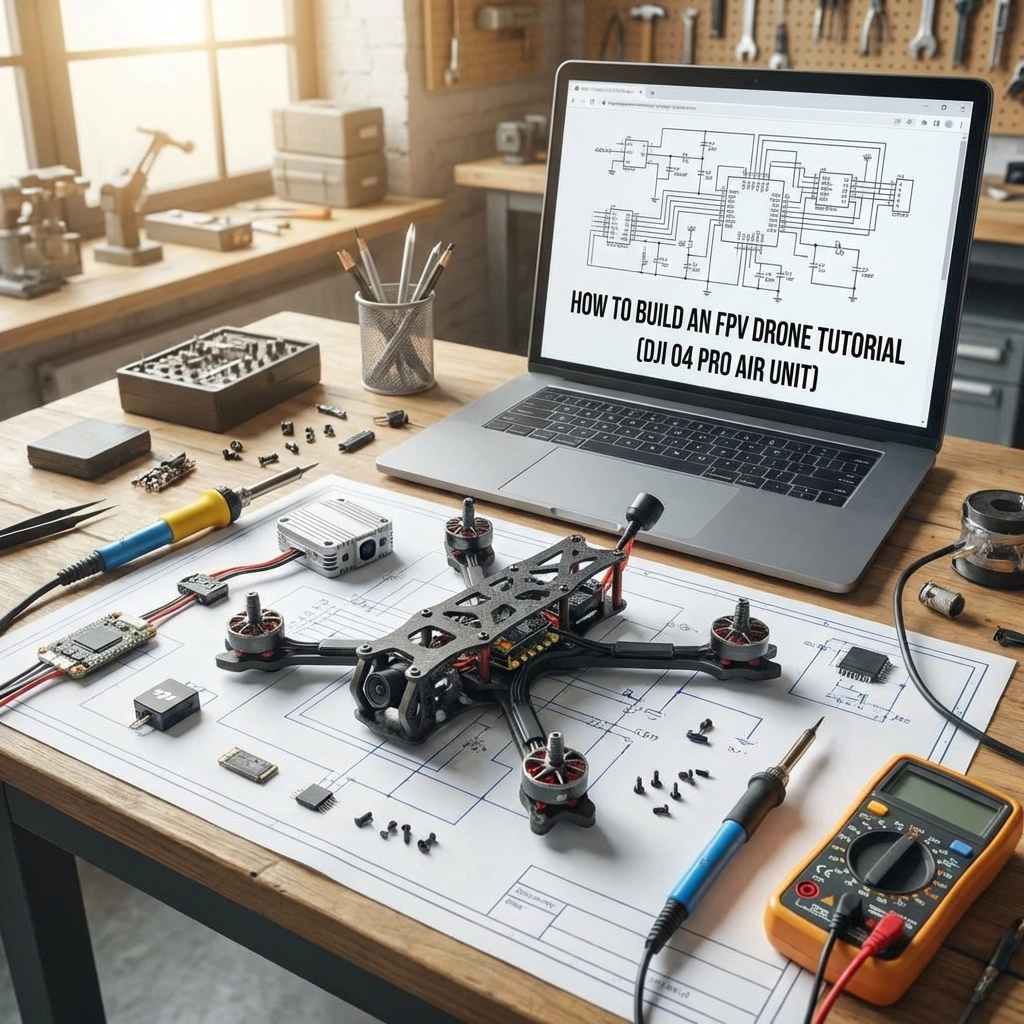
How to Build an FPV Drone Tutorial (DJI O4 Pro Air Unit)

Building your own FPV drone is one of the most rewarding experiences in the hobby. When you combine a custom build with the DJI O4 Pro Air Unit, you get crystal-clear digital video transmission with the performance of a purpose-built racing or freestyle quad. This tutorial walks you through every step: from selecting parts to your first flight.


Table of Contents


Can Beginners Build FPV Drones?

Absolutely. If you can follow instructions, handle a soldering iron, and exercise patience, you can build an FPV drone. The key is starting with quality components and taking your time. Many pilots assume building requires electrical engineering knowledge: it doesn’t. What it requires is attention to detail and a willingness to learn.

That said, mistakes happen. Wires get crossed, motors spin the wrong direction, and configurations get scrambled. If you ever feel stuck, TechInMotion360’s troubleshooting support packages can help you diagnose and fix issues remotely.


Mastering the Basics

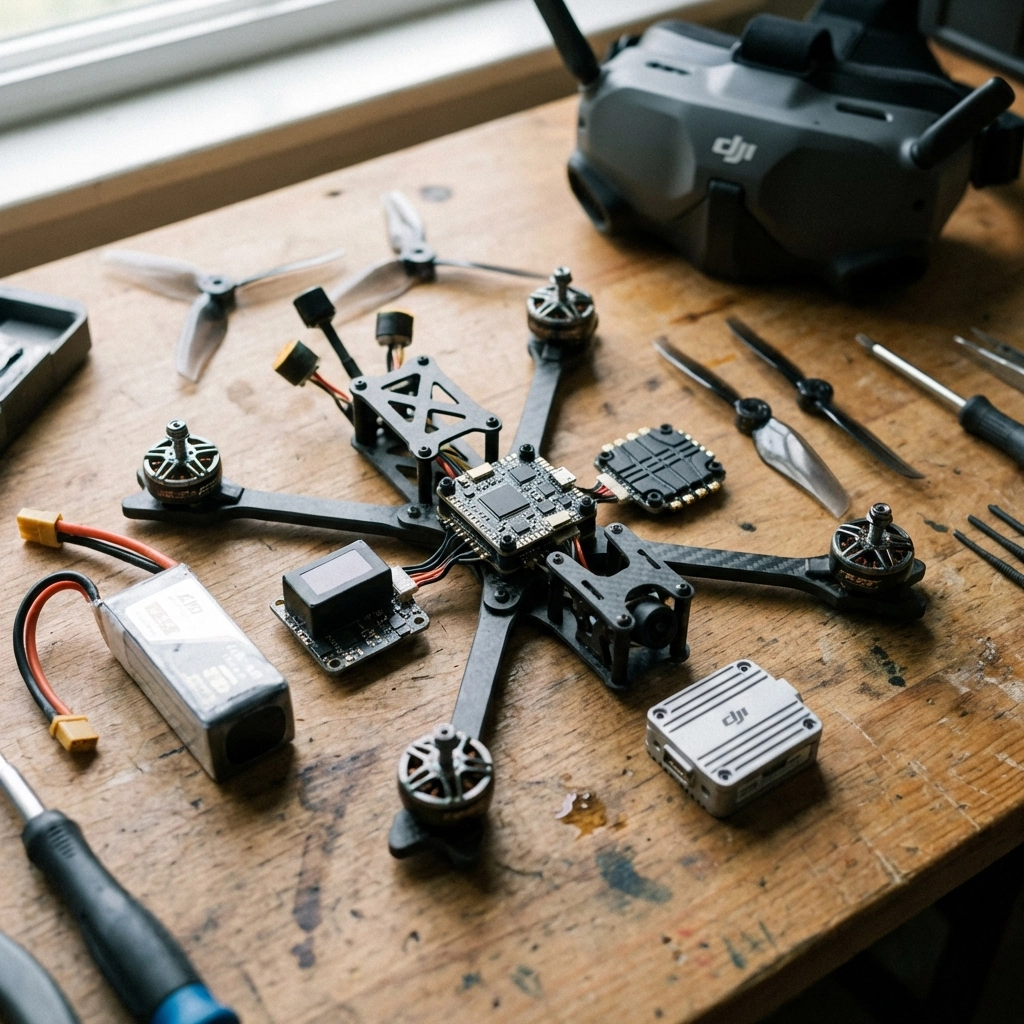
Before diving into the build, understand what each component does:

  • Frame: The skeleton holding everything together
  • Flight Controller (FC): The brain processing inputs and stabilizing flight
  • Electronic Speed Controller (ESC): Regulates power to each motor
  • Motors: Generate thrust via propellers
  • FPV System: Camera and video transmitter for real-time video
  • Radio Receiver: Receives commands from your transmitter

Once you understand how these parts interact, the build process makes much more sense.

image_1


Parts List

Frame

For this build, we recommend a 5-inch freestyle or racing frame. Look for:

  • Material: Carbon fiber (3K or higher weave)
  • Arm thickness: 5mm minimum for durability
  • Stack mounting: 30.5×30.5mm standard pattern
  • Weight: Under 120g for the frame alone

Popular choices include the ImpulseRC Apex, TBS Source One, or Armattan frames with lifetime warranties.

FC and ESC

Your flight controller and ESC can come as separate components or an all-in-one (AIO) stack. For DJI O4 Pro builds, ensure your FC has:

  • F7 or H7 processor for smooth performance
  • DJI SBUS pad for O4 control integration
  • Betaflight compatibility
  • Current sensor for battery monitoring

For ESCs, a 4-in-1 unit rated at 45A-60A continuous handles most 5-inch builds comfortably.

Motors

Motor selection depends on your flying style:

Flying Style Motor Size KV Rating
Freestyle 2306-2407 1750-1950KV
Racing 2207-2306 2400-2750KV
Cinematic 2806-2812 1300-1500KV

Note: KV ratings should match your battery voltage. Higher KV = more RPM but less torque.

FPV Setup

The star of this build: the DJI O4 Pro Air Unit: delivers exceptional video quality with low latency. You’ll need:

  • DJI O4 Pro Air Unit
  • Compatible DJI Goggles (Goggles 3 or Integra)
  • DJI antenna kit
  • Camera mounting hardware

The O4 Pro integrates directly with Betaflight, making setup straightforward compared to earlier DJI systems.

Radio Receiver

Any ExpressLRS (ELRS) or TBS Crossfire receiver works great. ELRS has become the community standard for its range, low latency, and open-source development. Make sure your receiver matches your radio transmitter protocol.

Other Equipment

  • LiPo batteries: 6S 1100-1300mAh for racing, 1300-1550mAh for freestyle
  • Propellers: 5-inch tri-blade (51466 or 5143)
  • Battery straps: 20mm width with rubberized grip
  • Antenna mounts: 3D printed or TPU for protection

Tools and Supplies

Gather these before starting:

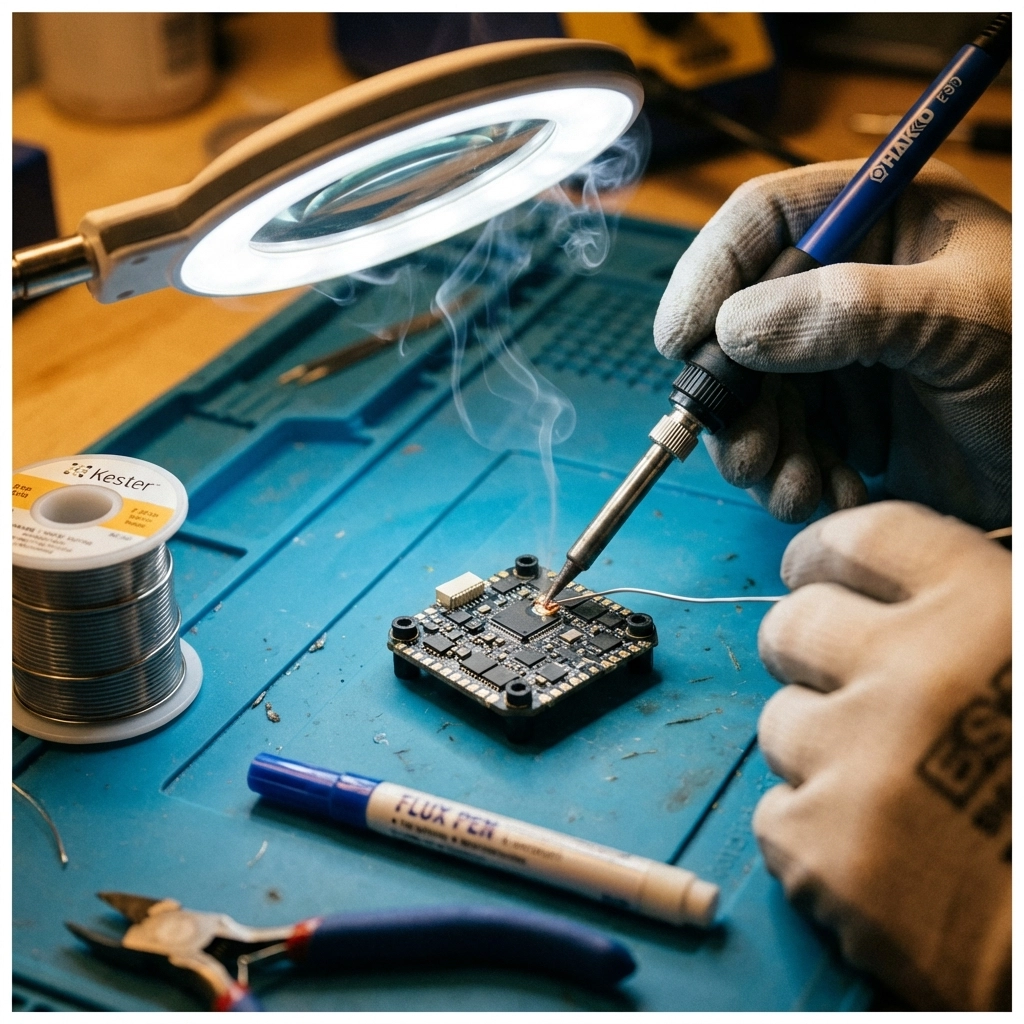
  • Soldering iron (60W minimum with fine tip)
  • Lead-free solder (60/40 or 63/37)
  • Flux pen
  • Heat shrink tubing (various sizes)
  • Hex drivers (1.5mm, 2mm, 2.5mm)
  • Wire strippers
  • Multimeter
  • Double-sided foam tape
  • Zip ties
  • Electrical tape

image_2


Steps of Building FPV Drone

1. Frame Assembly

Start by laying out all frame pieces. Most frames include a bottom plate, top plate, arms, and standoffs. Loosely assemble everything first to understand the structure, then tighten in stages. Don’t fully torque screws until all components are positioned.

2. Installing Motors

Mount motors to each arm using the provided screws. Ensure screws aren’t too long: penetrating the motor windings destroys the motor. Apply thread locker to prevent vibration loosening. Motor wire orientation matters: route wires toward the center where they’ll connect to the ESC.

3. Wiring Diagrams

Before soldering anything, sketch your wiring diagram:

  • Battery lead → ESC power pads
  • ESC signal wires → FC motor outputs (M1-M4)
  • Receiver → FC SBUS/UART pad
  • DJI O4 Pro → FC designated DJI pads (TX/RX and power)

Reference your specific FC’s pinout diagram: they vary between manufacturers.

4. Installing ESC

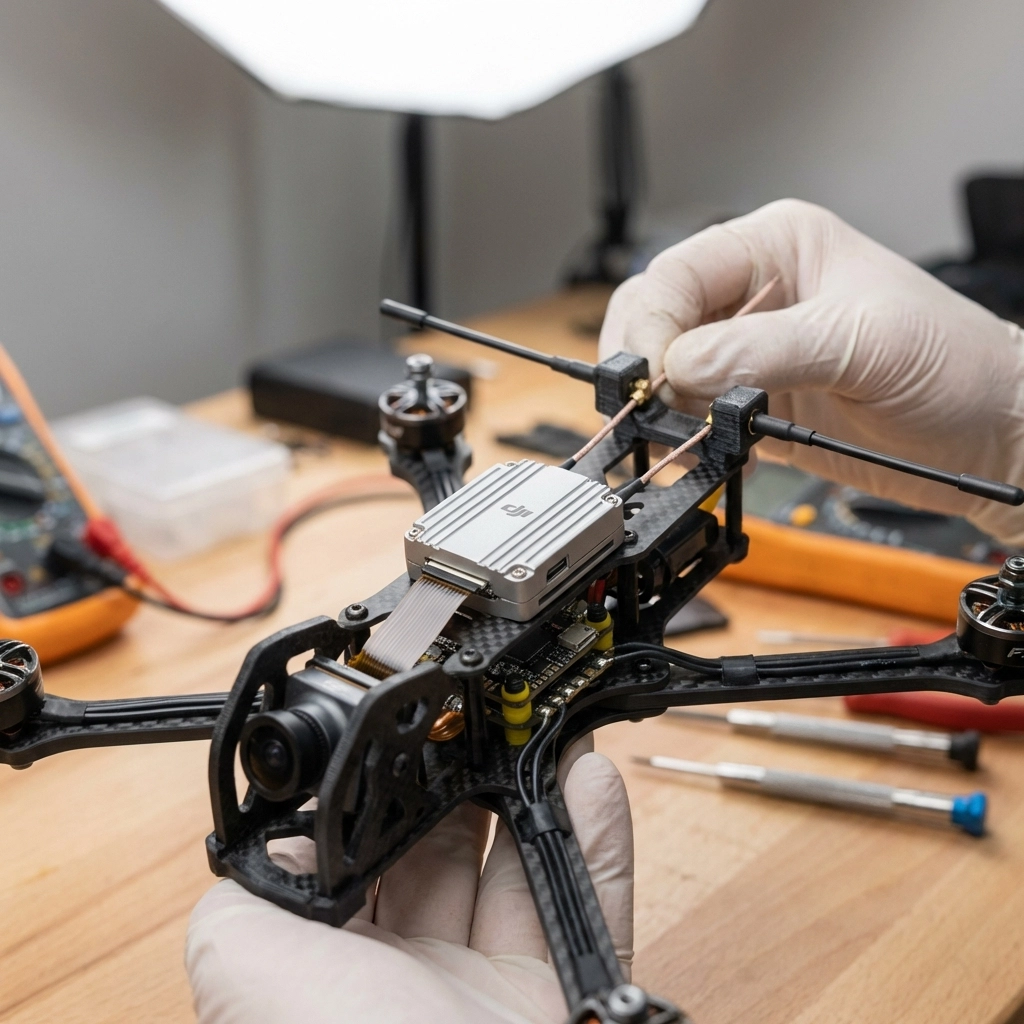
Mount the ESC to the frame using standoffs or soft-mounting grommets. Solder motor wires to the ESC: each motor connects to its designated output. Triple-check polarity on power connections.

image_3

5. Testing ESC and Motors

Before proceeding further, test your ESC and motors:

  1. Connect battery (props OFF)
  2. Verify ESC powers up (LED indication)
  3. Use Betaflight motor tab to spin each motor individually
  4. Confirm correct rotation direction

If motors spin wrong, swap any two of the three motor wires or reverse direction in BLHeli configurator.

6. Receiver Setup

Mount your receiver away from power wires to reduce interference. Solder the receiver to the appropriate UART on your FC. Bind the receiver to your transmitter following the manufacturer’s binding procedure.

7. Installing DJI O4 Pro

The O4 Pro requires:

  • 9V-26V power (direct from battery or regulated)
  • UART connection for Betaflight MSP
  • Secure mounting to prevent vibration damage

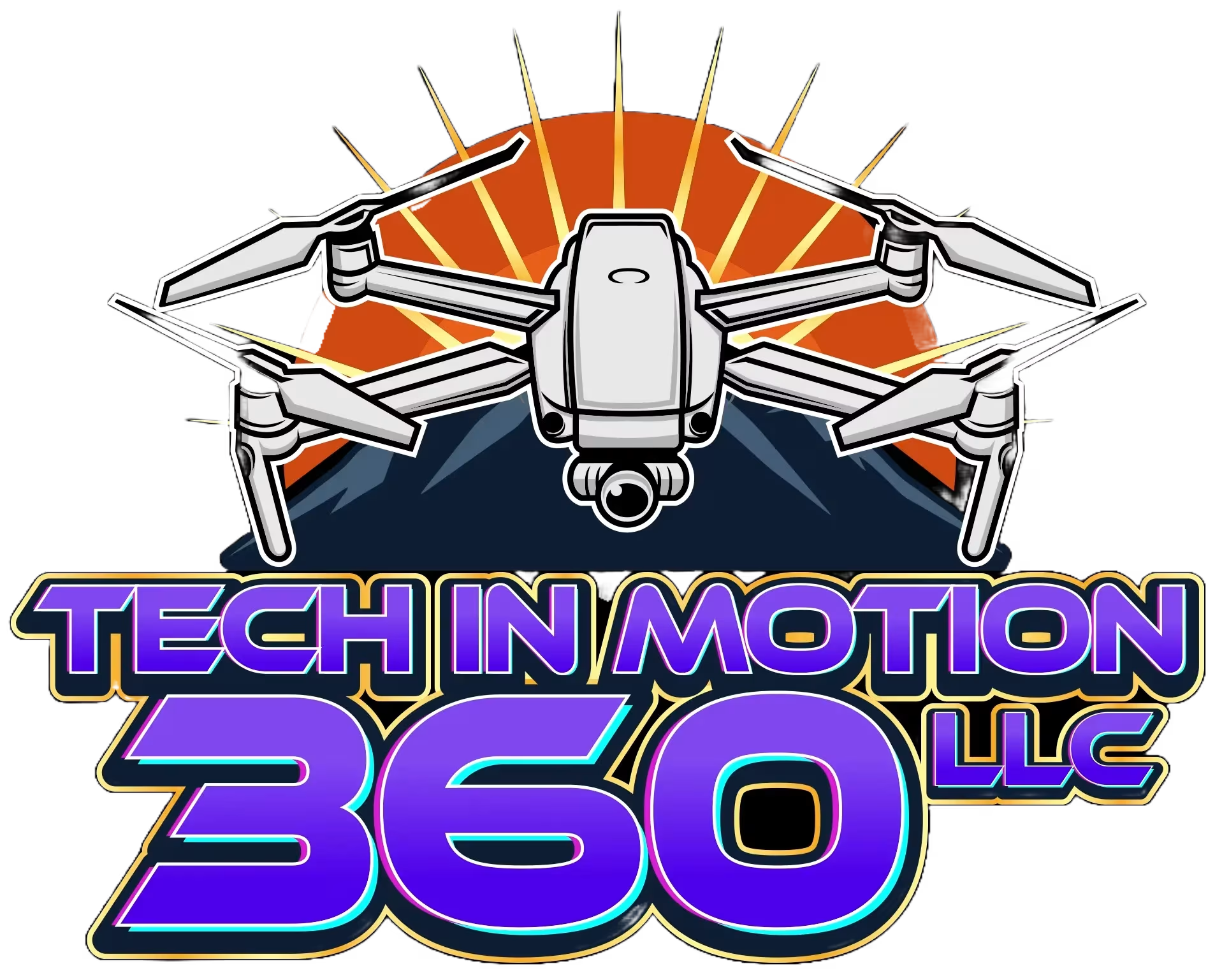
Route the antenna cables carefully: avoid sharp bends. Mount antennas at 90-degree angles to each other for optimal signal reception. The camera connects via ribbon cable to the air unit.

If you need help with video system installation, check out TechInMotion360’s Video Camera Systems upgrade package.

8. Finishing Off

With all electronics installed:

  • Secure loose wires with zip ties
  • Apply conformal coating to exposed solder joints
  • Install the top plate
  • Mount antennas in protective holders
  • Double-check all connections

image_4

9. Setting Up Betaflight

Connect your FC to Betaflight Configurator via USB:

  1. Ports tab: Enable MSP on the DJI UART, Serial RX on receiver UART
  2. Configuration tab: Set receiver mode (SBUS/CRSF), enable DJI OSD
  3. Receiver tab: Verify channel mapping and stick inputs
  4. Modes tab: Assign arm switch, flight modes, beeper
  5. OSD tab: Configure on-screen display elements

Save and reboot after each major change.

10. Tuning

Stock Betaflight PIDs fly most builds reasonably well. For optimization:

  • Start with Betaflight’s recommended presets for your frame size
  • Use the slider-based tuning for safe adjustments
  • Enable RPM filtering if your ESC supports bidirectional DShot
  • Adjust rates to match your flying style

For advanced performance tuning, TechInMotion360’s Performance Tune & Troubleshoot package offers expert remote assistance.


Learning How to Fly

Your drone is built: now comes the real challenge. Recommendations for new pilots:

  1. Start in a simulator: Velocidrone, Liftoff, or DRL Simulator build muscle memory risk-free
  2. Find open spaces: Large fields away from people and obstacles
  3. Begin in Angle mode: Self-leveling helps while learning throttle control
  4. Progress to Acro mode: This is true FPV flying: full manual control
  5. Join a community: Local flying groups accelerate learning dramatically

Building your own FPV drone with the DJI O4 Pro creates a machine perfectly tailored to your preferences. When something breaks (and it will), you’ll know exactly how to fix it. That knowledge transforms you from a pilot into a true FPV enthusiast.

Need ongoing support as you progress? Consider TechInMotion360’s Annual Remote Support Plan for year-round expert guidance.

Happy building: and happy flying! 🚁

0
    0
    Your Cart
    Your cart is emptyReturn to Shop

    Search For Products

    Product has been added to your cart